
Enola: a support network for families in crisis
A support system where a family in crisis maps its needs, builds a circle of supporters and hands out tasks, redesigned around a shorter, friendlier onboarding.
- Role
- UX/UI designer
- Years
- September 2023 to end of 2024
- Scope
- Onboarding redesign, supporter and caregiver flows, a visual language and a basic design system, print materials, and the first stage of a coordinator interface
- Worked with
- Developers, the CTO, a community manager and the team at Yad Tamar, the association that operates the product
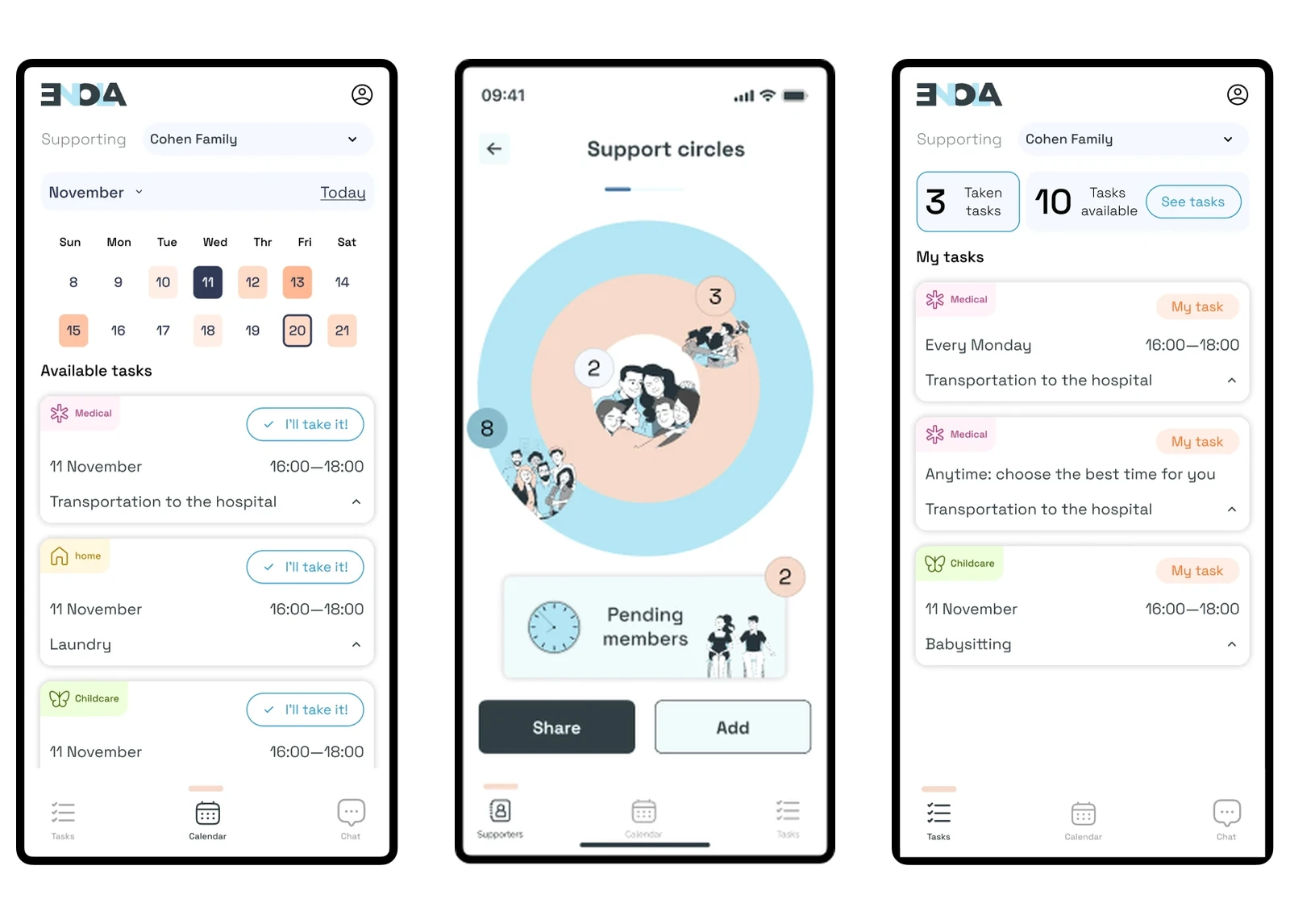
Starting point
A working app with a blue and orange identity. A previous designer introduced a new teal and black logo and began changing the colors. The team had identified onboarding as a weak point: it was long and users skipped it.
The challenge
Make joining a support circle quick for two very different users: the caregiver managing the crisis, and the supporter who wants to help.
Process
Research and competitor analysis, wireframes, then screens.
Key decisions
- Two roles, two flows. Separate onboarding for supporters and caregivers, each built around its own goal.
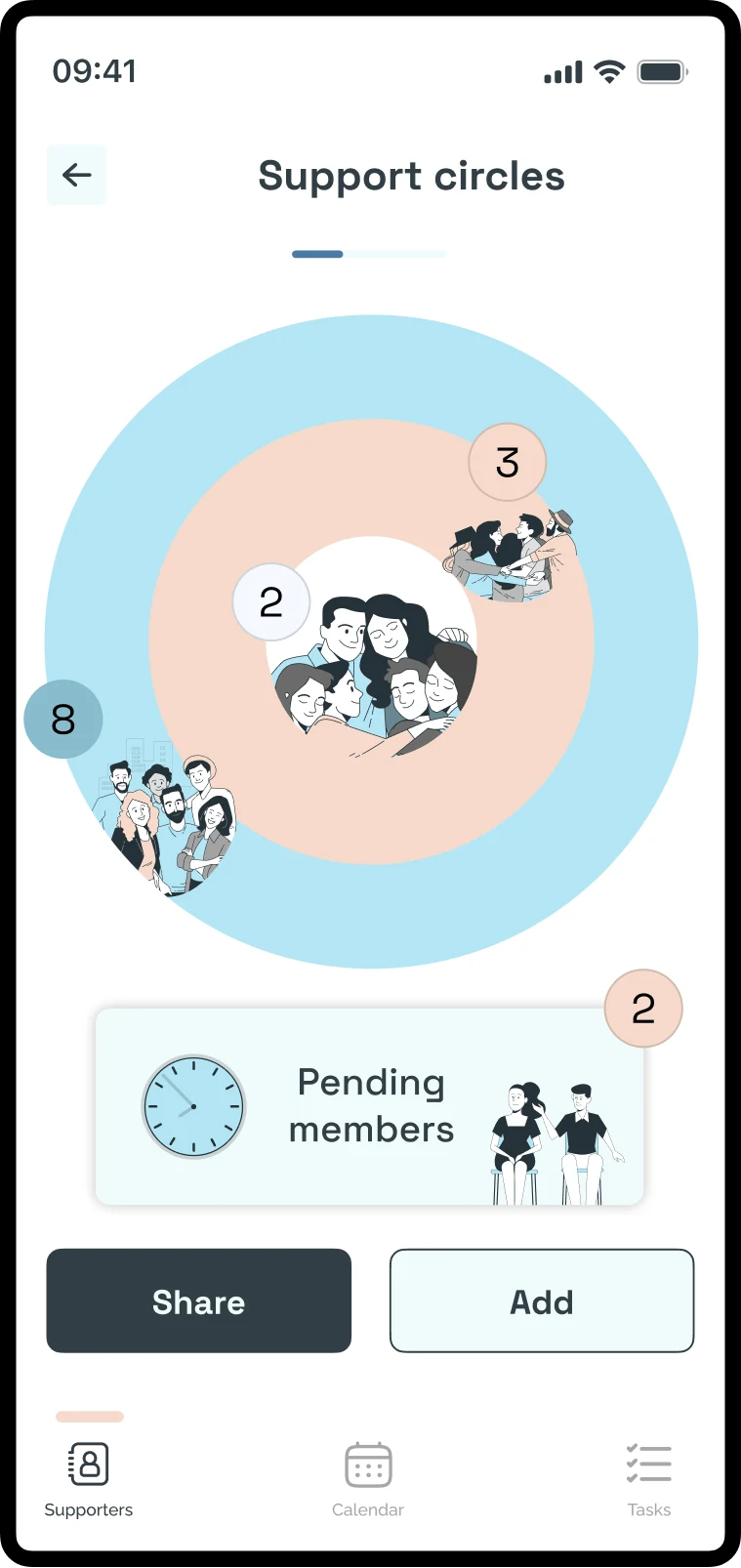
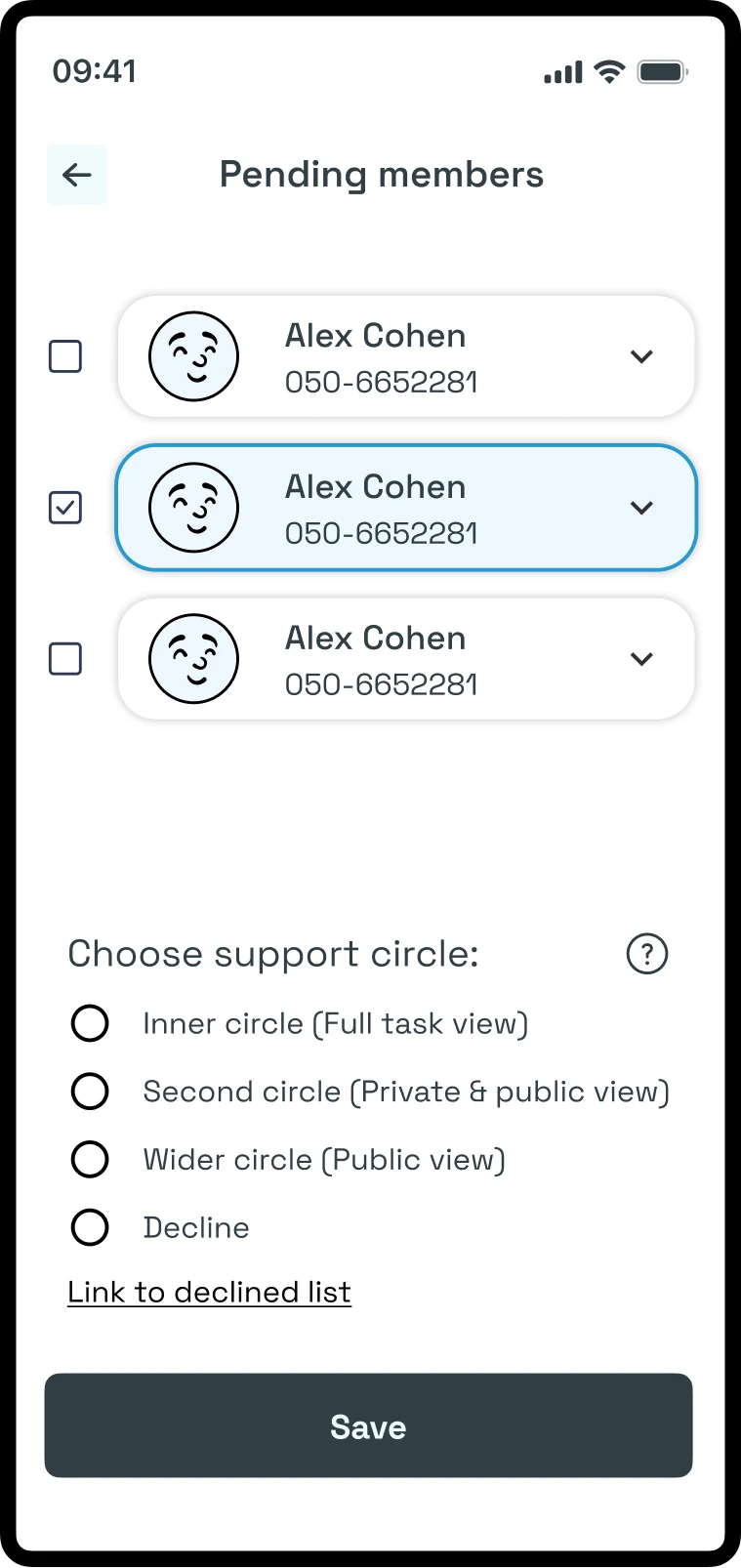
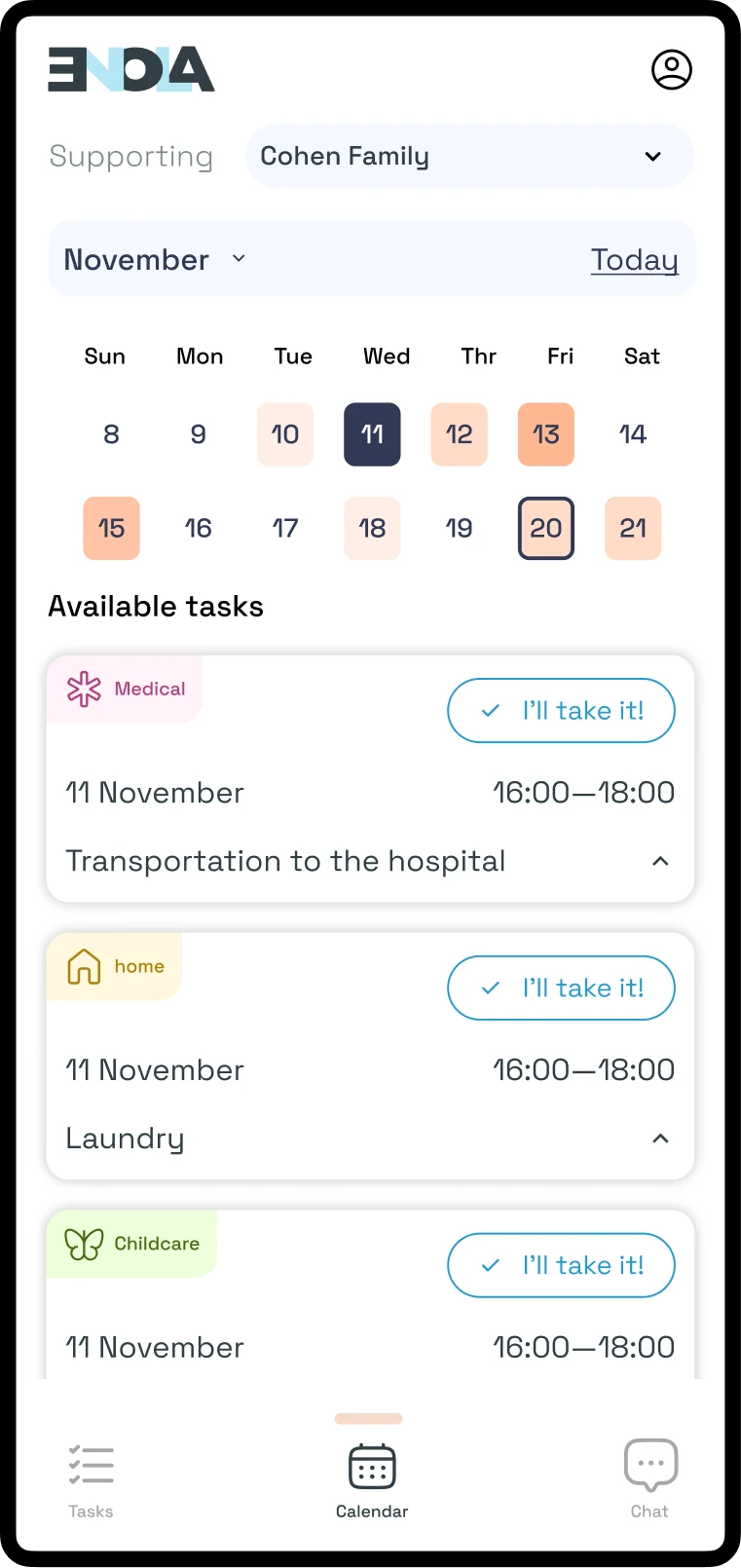
- Who sees what. Families approve every supporter and place them in a circle (inner, second or wider) that controls which tasks they see. In a vulnerable moment, not every helper should see every need: accompanying someone to treatment is deeply personal, while driving kids to activities or preparing meals is not. I proposed the approval step. Someone in the third circle, for example, sees less personal tasks.
- A visual language built around the logo. I extended the existing logo into a full language and tuned the palette for readability and contrast.
- A basic design system shared across the app, print and social.
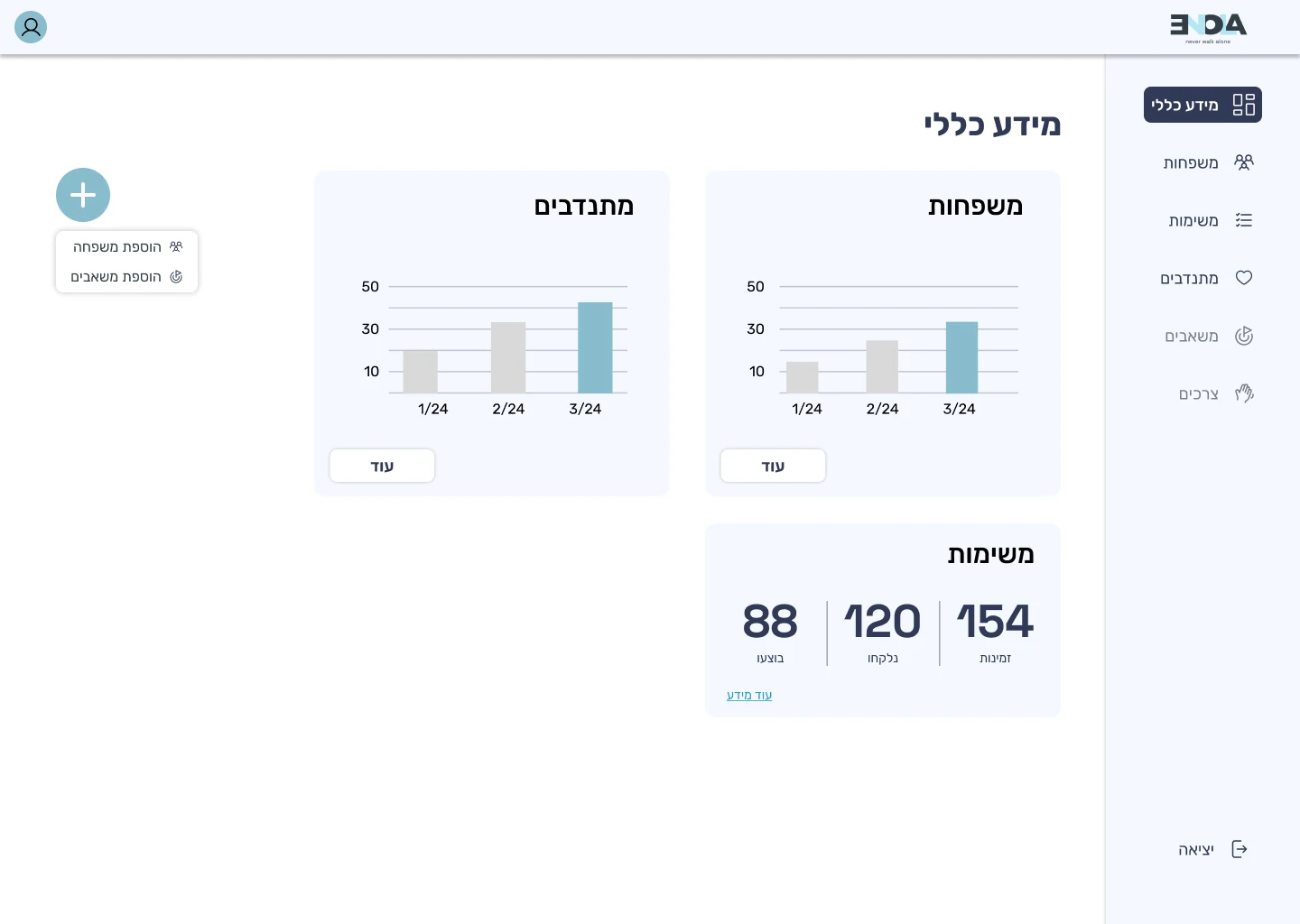
- A coordinator interface. A month after I joined, the war began and the need for volunteer coordination grew sharply. I designed the first stage of an interface for coordinators; it had not reached development during my time.
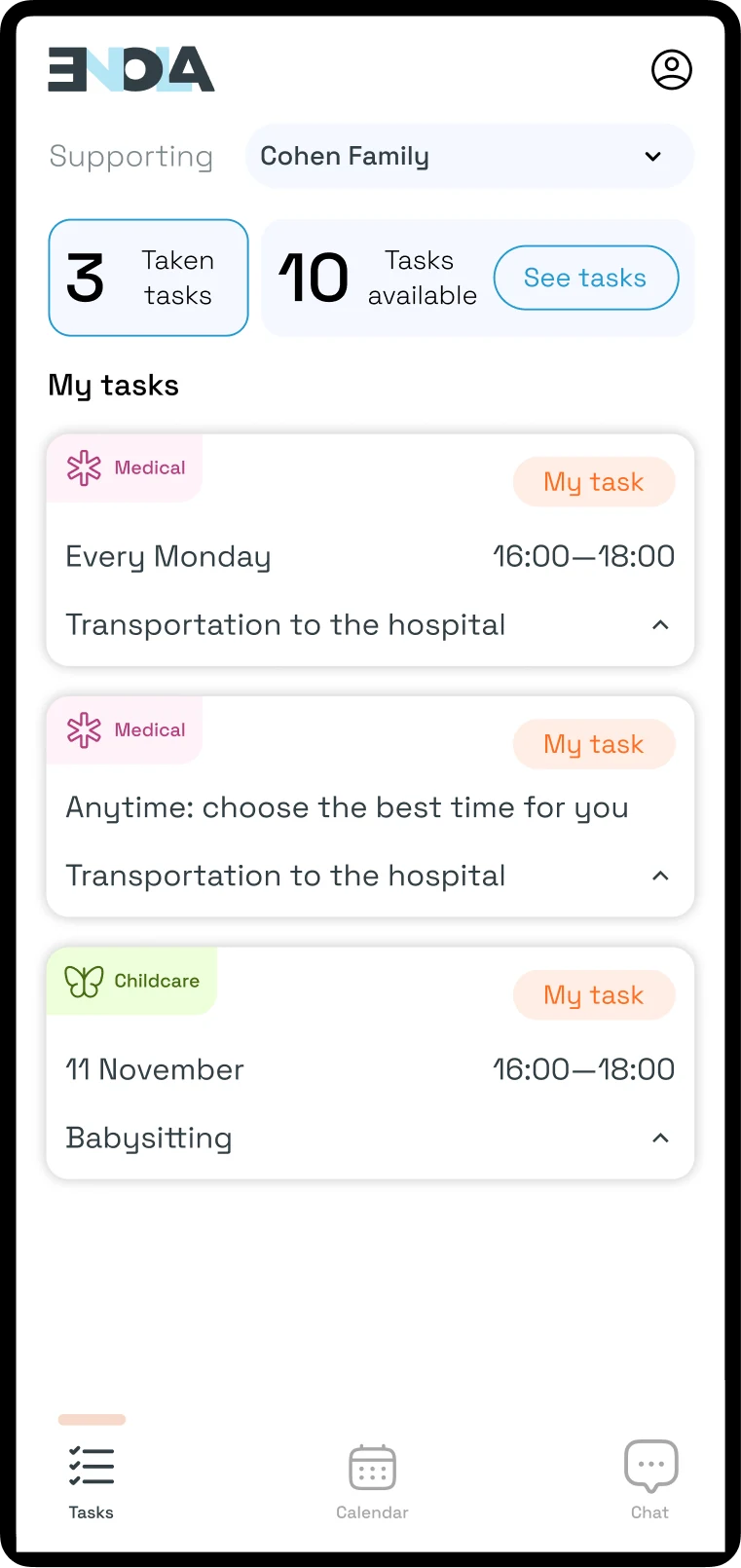
Caregiver screens
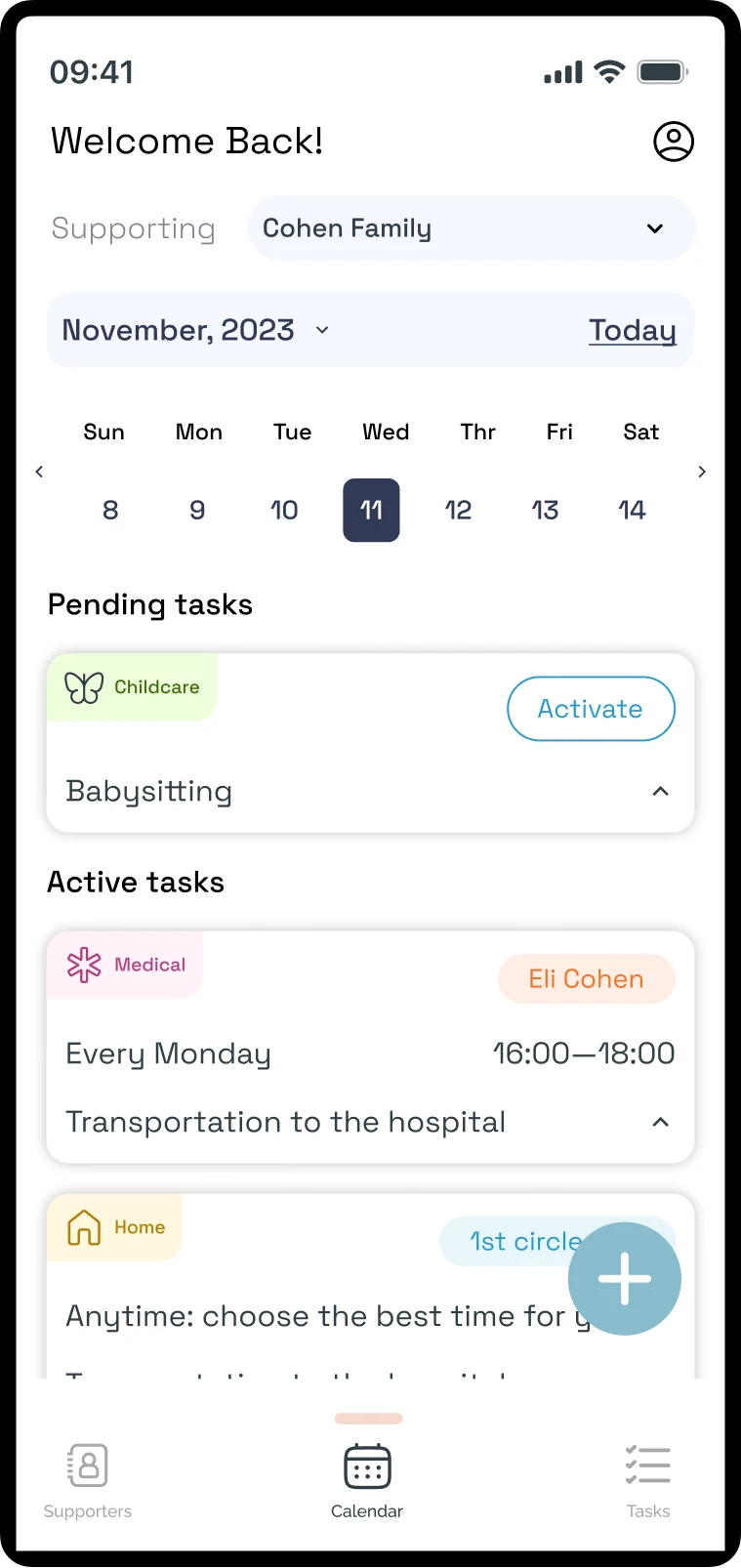
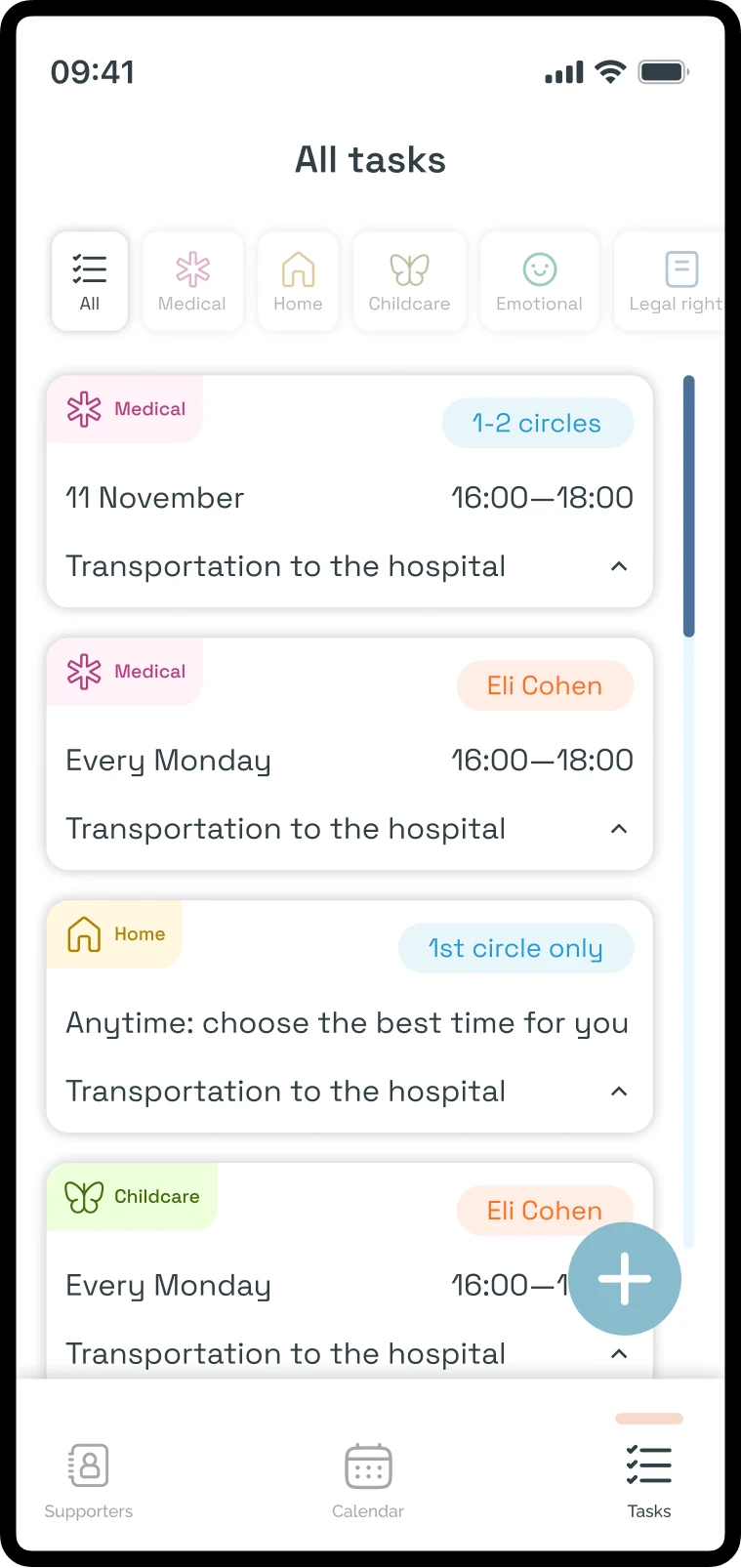
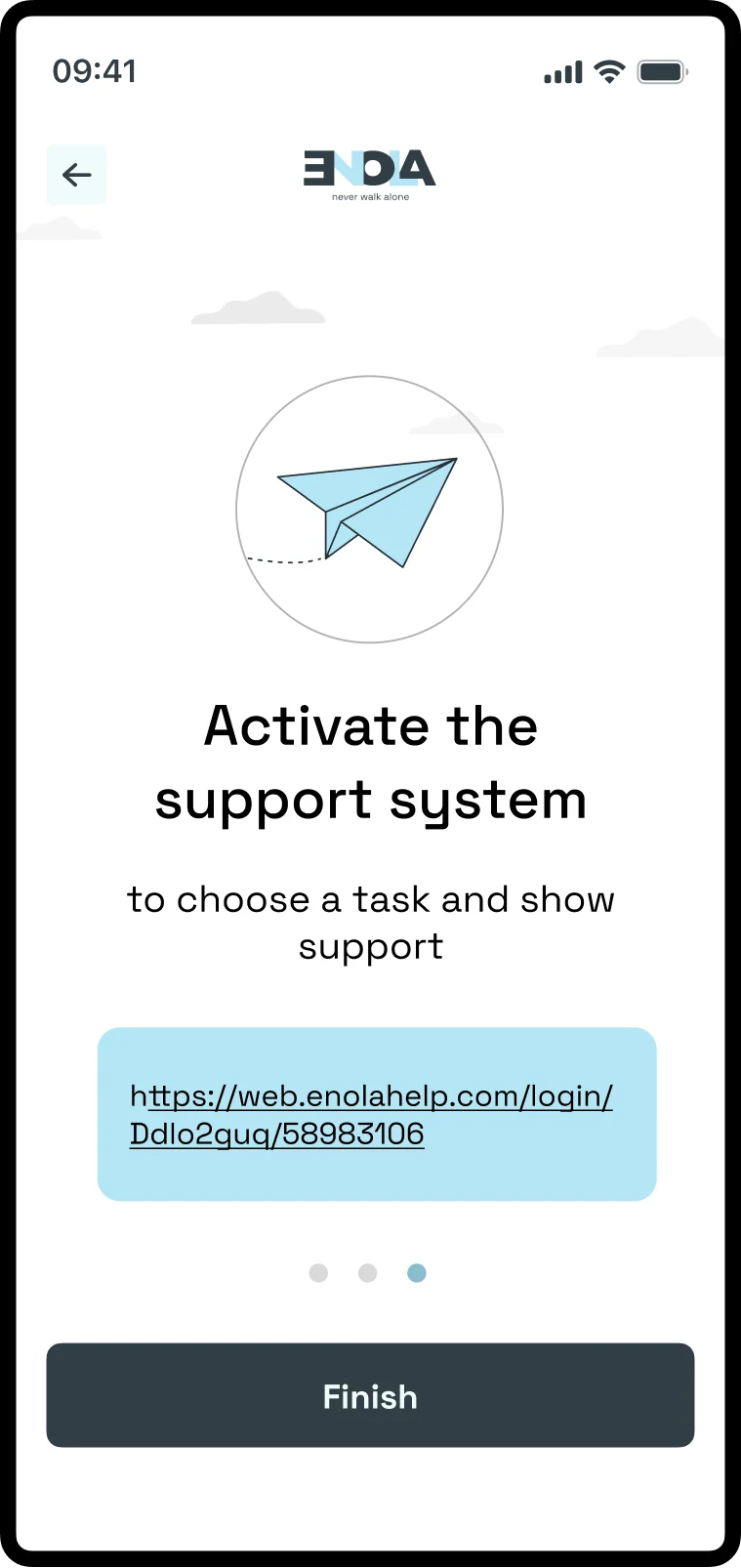
The caregiver puts every task in order in one place and hands part of them to others. Every small help counts.
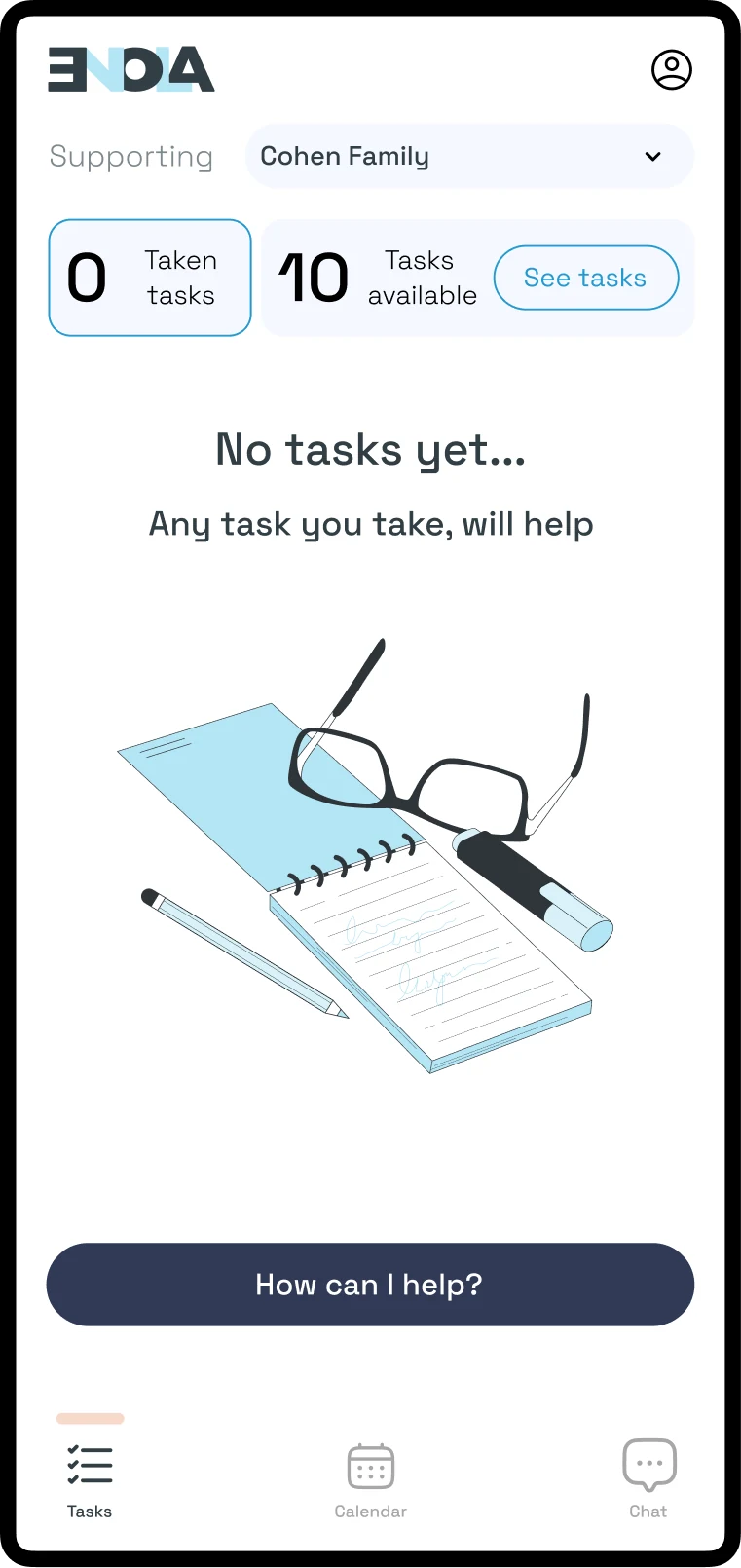
Supporter screens
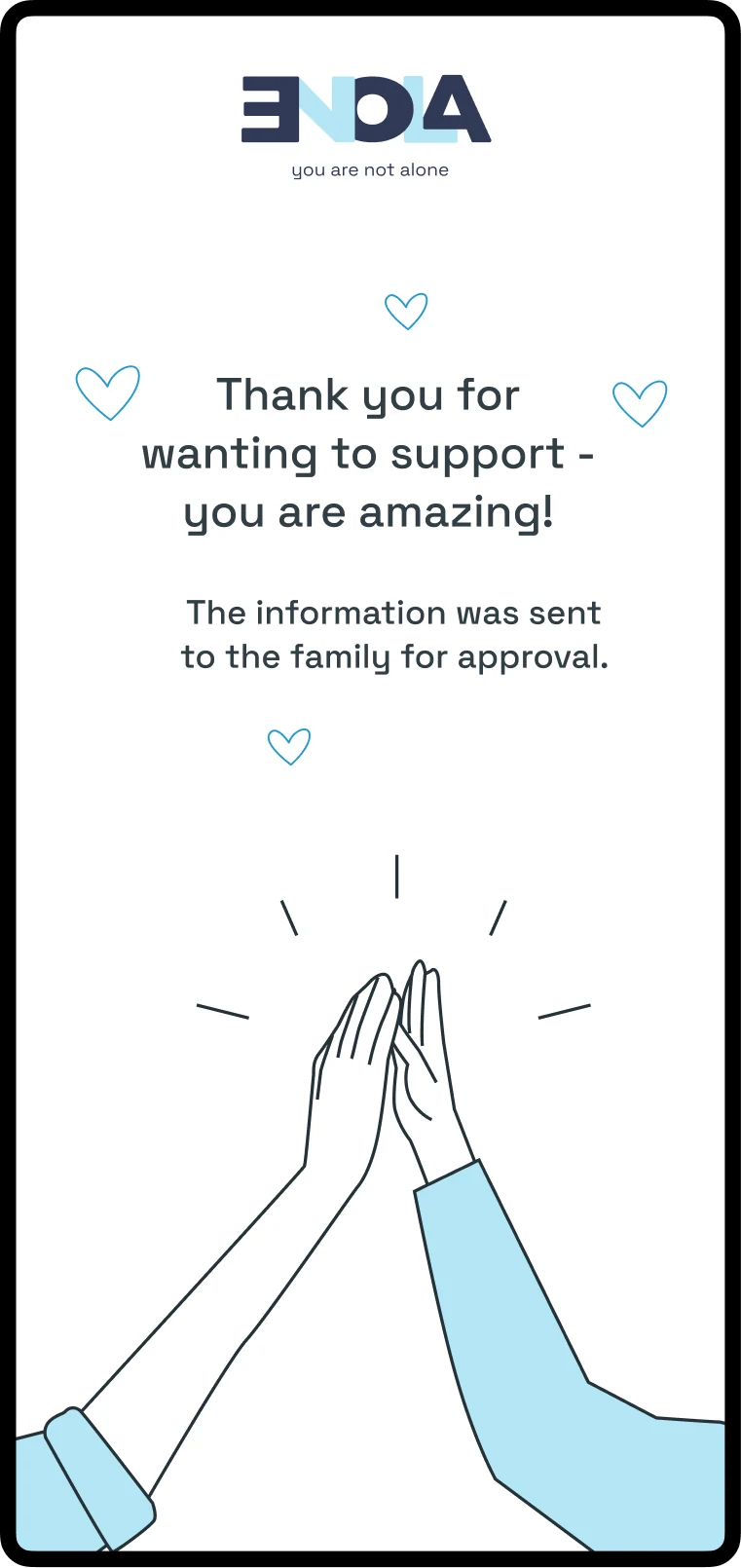
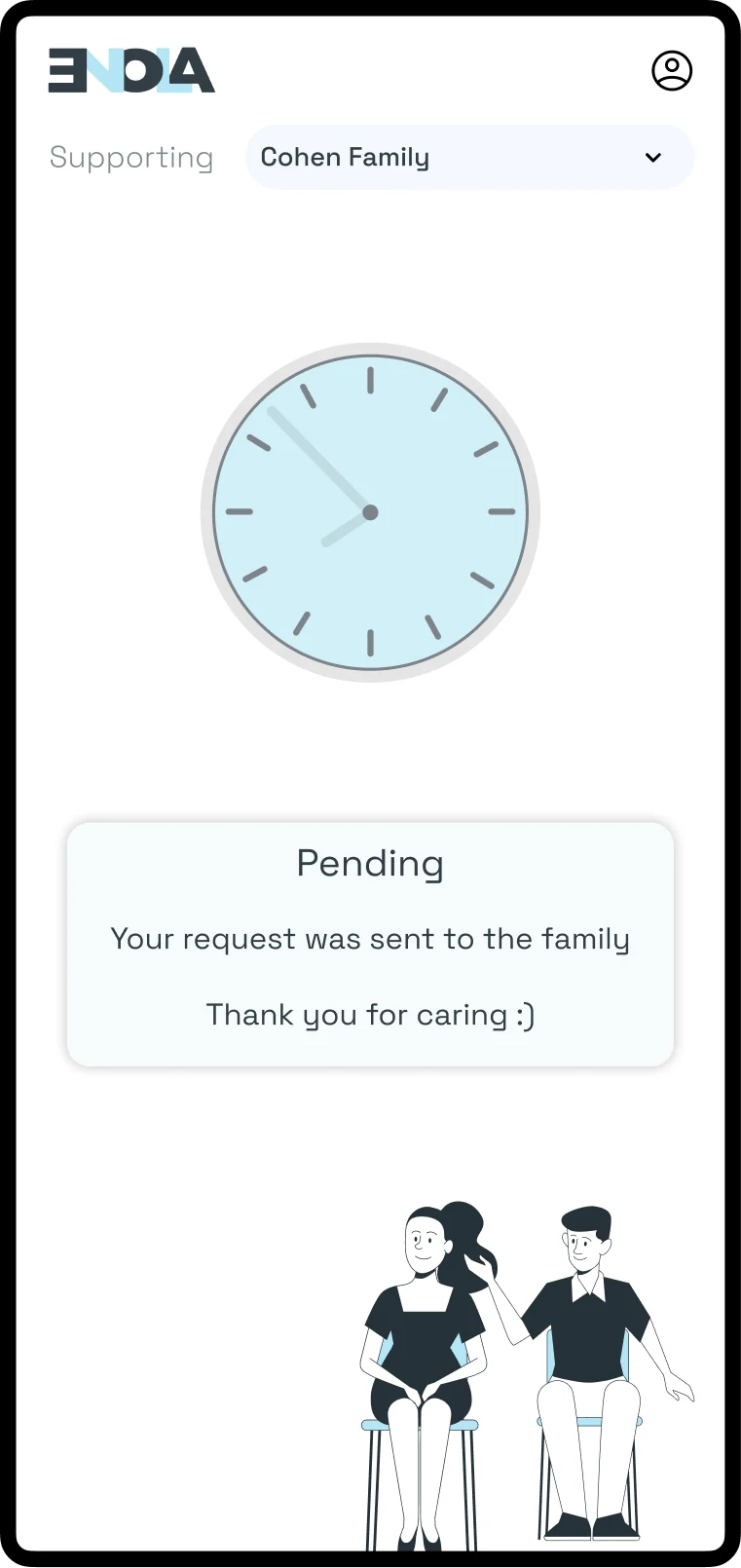
A supporter signs up and is thanked for agreeing to help. The family then approves them and places them in a circle, and from then on they see only the tasks that fit that circle.
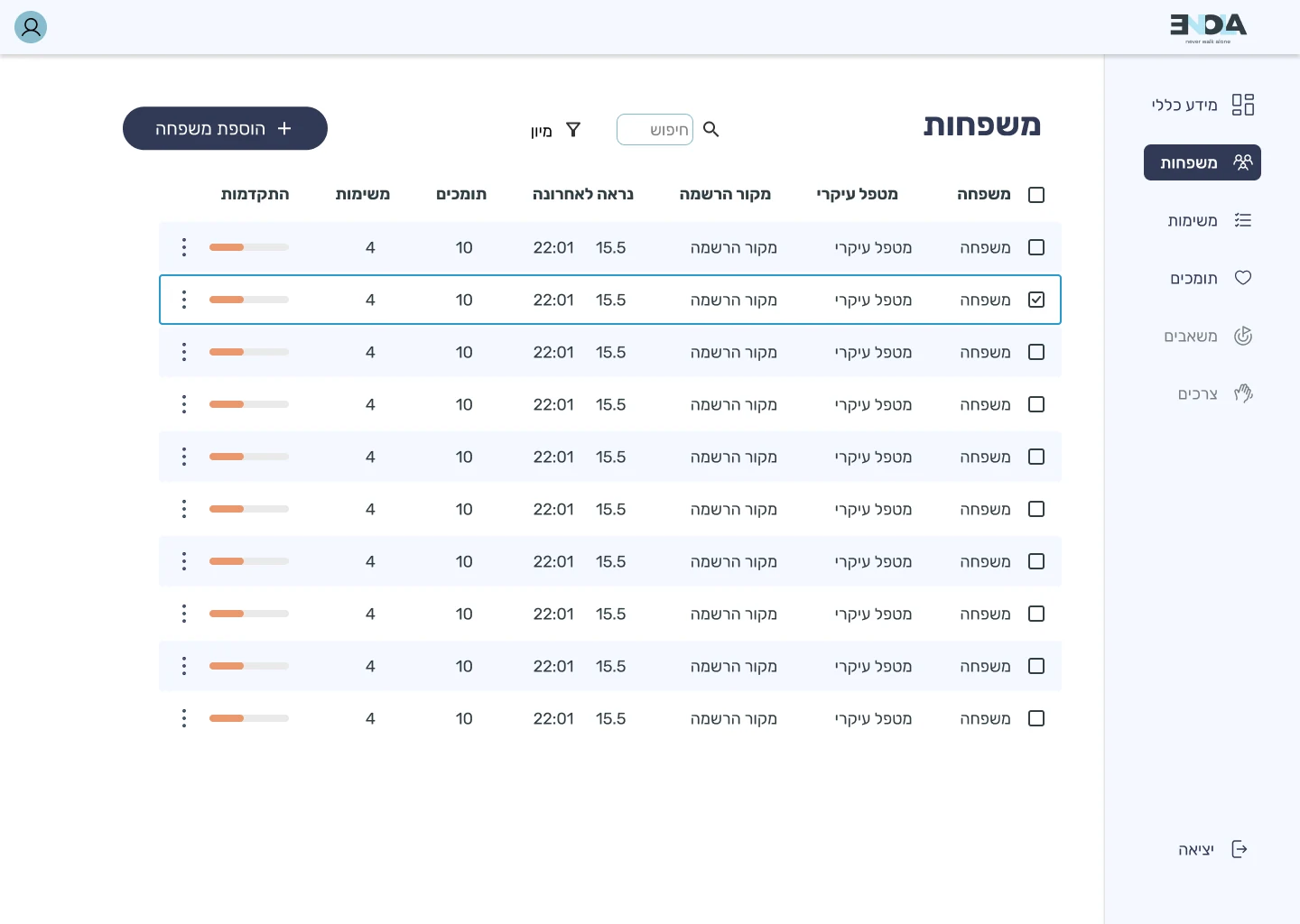
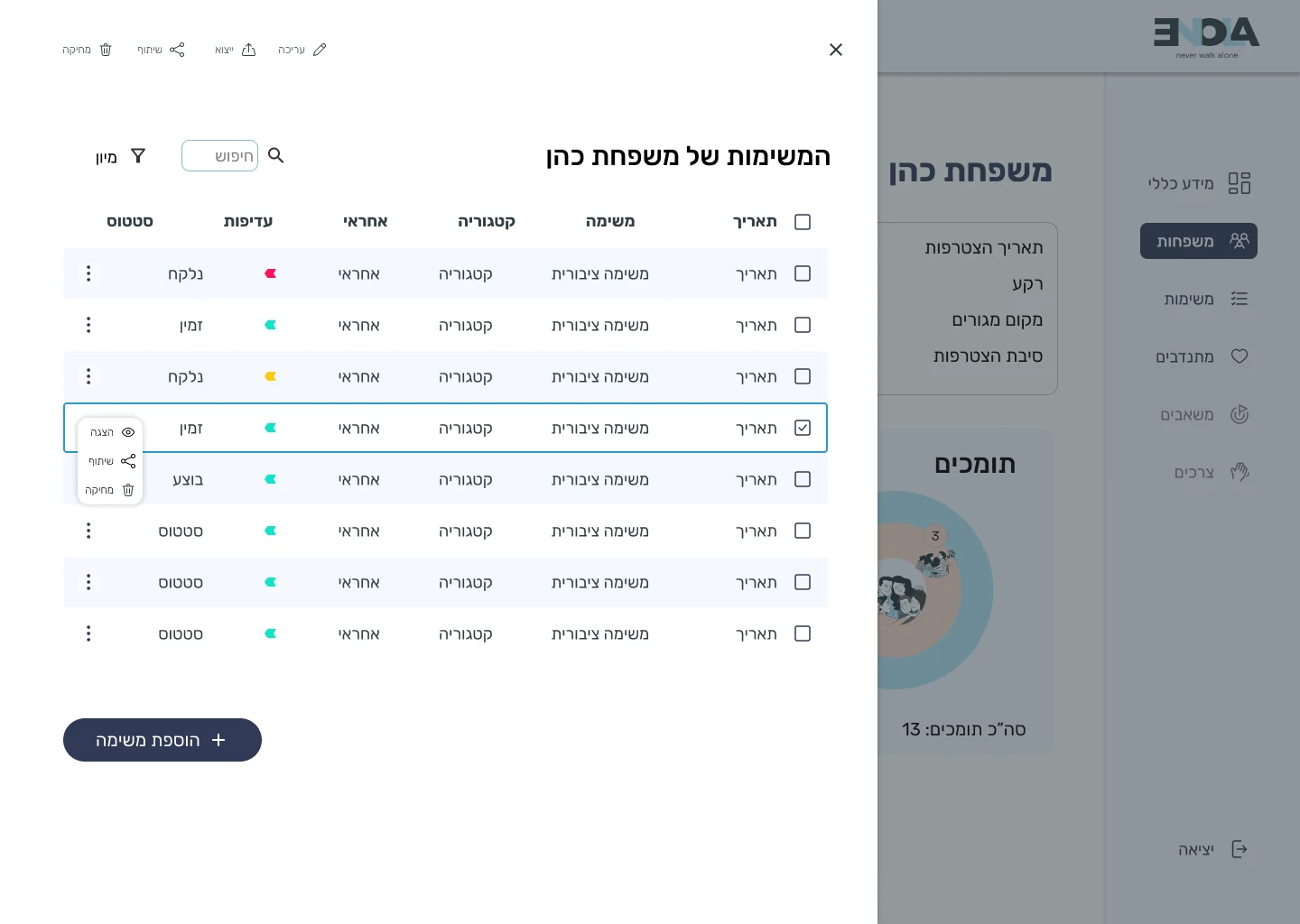
Coordinator dashboard
Coordinators see each family's status, who is handling it and what it needs. I designed the first stage; it had not reached development while I worked on it, and the product has moved on since.
Beyond the app
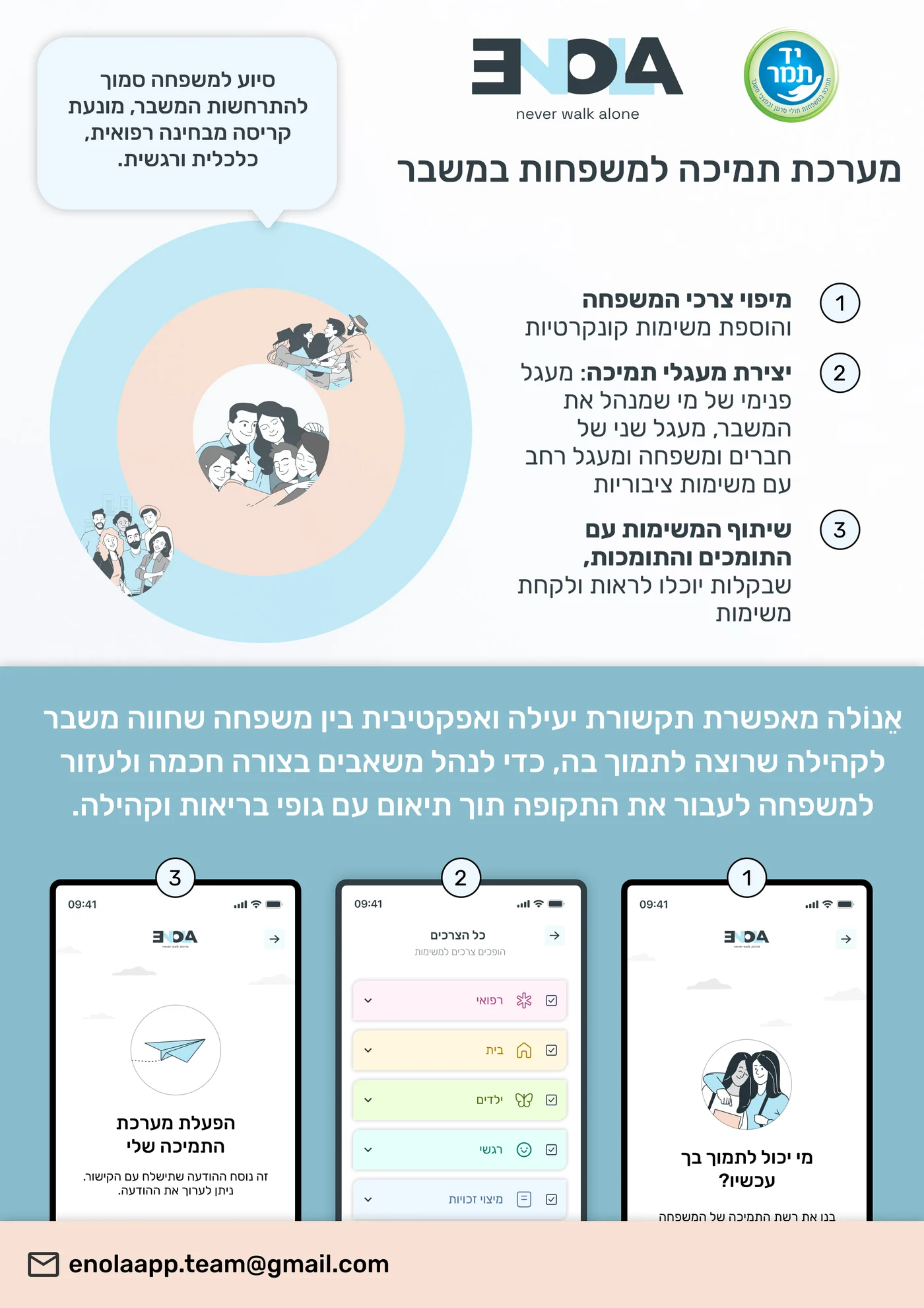
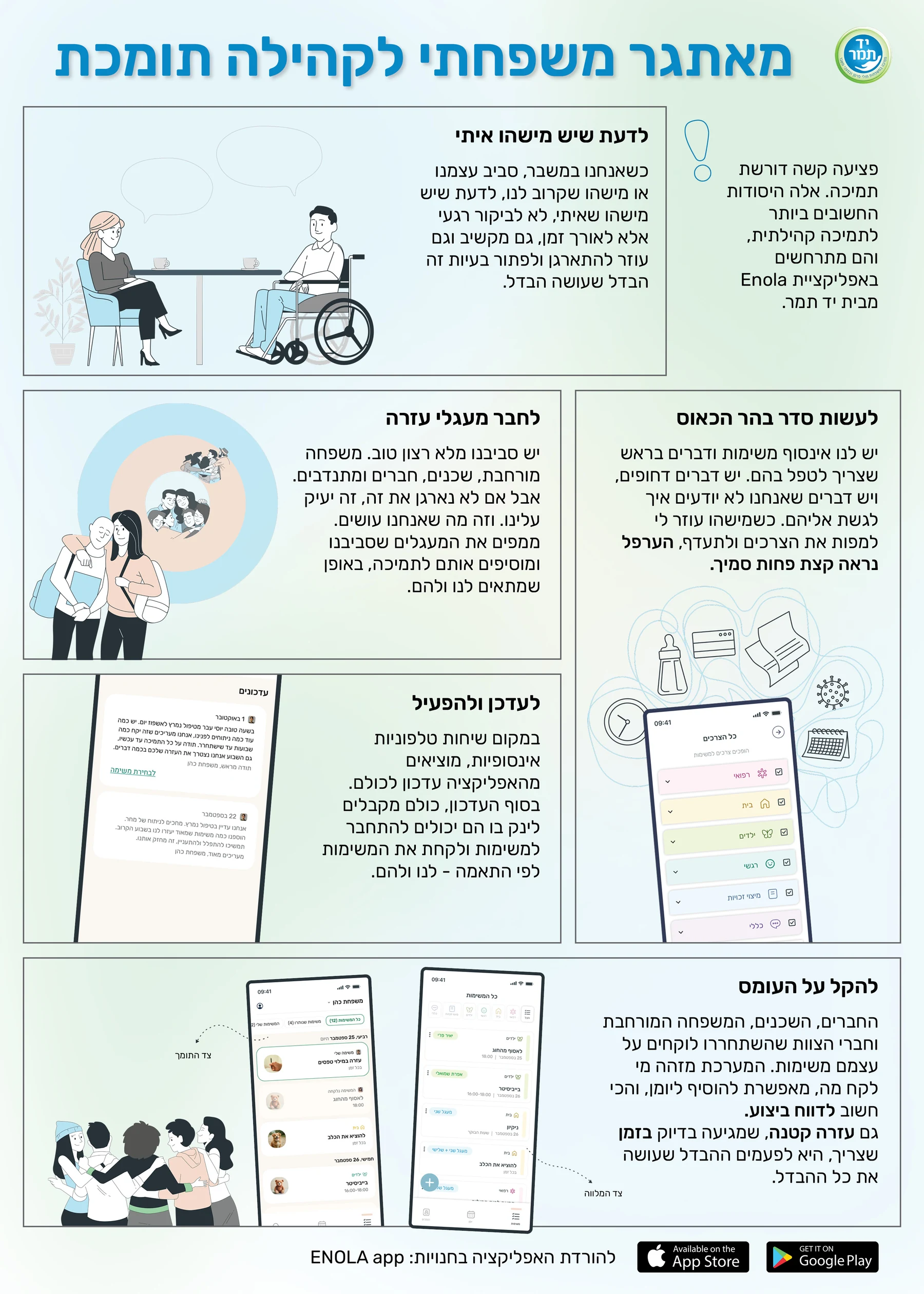
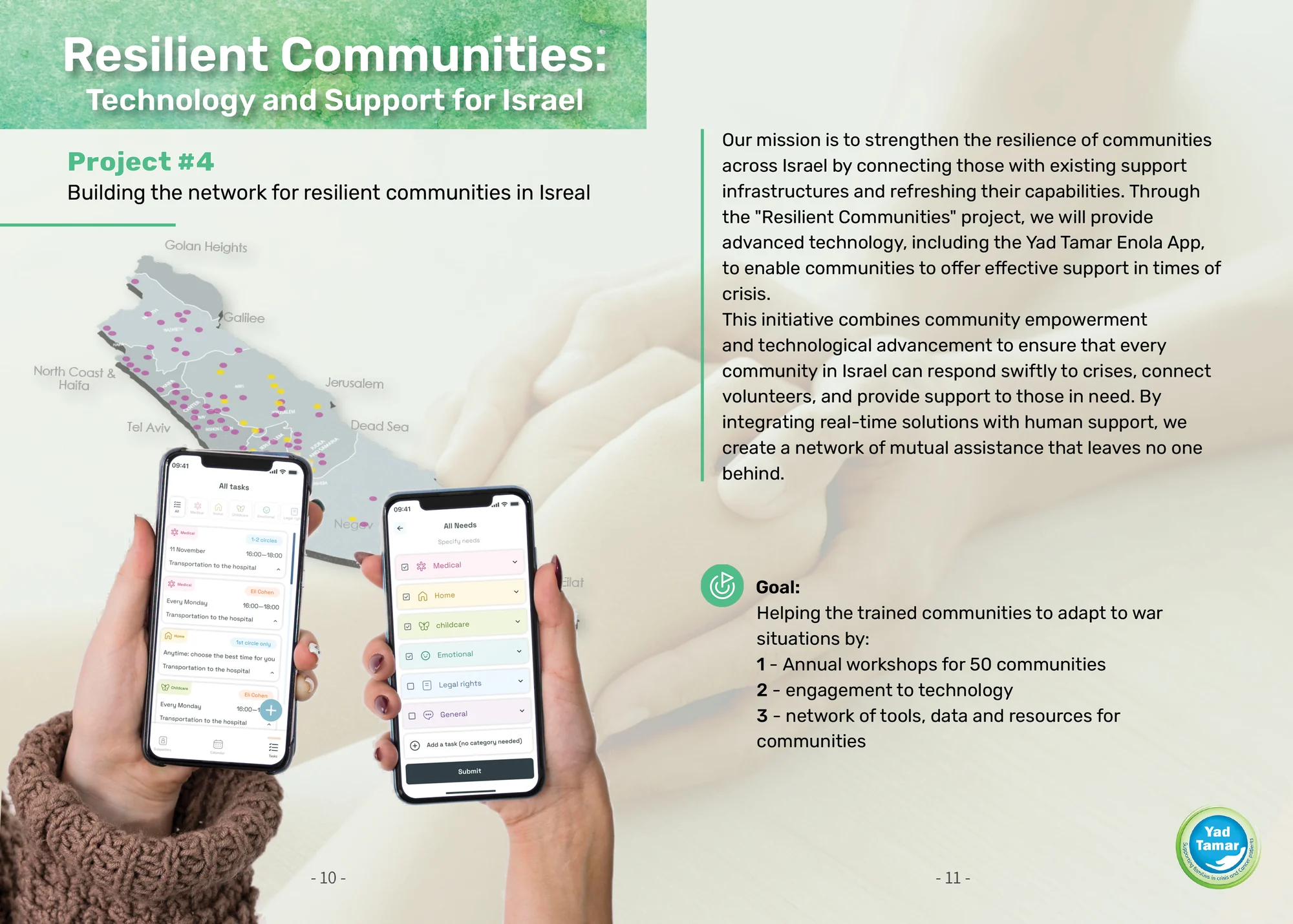
Print materials for conferences, workshops and community outreach, in the new visual language, and a booklet that gathered the association's planned projects.
Fundraising booklet
Where it stands
Live today and operated by Yad Tamar.
Beyond her sharp professional craft, Yifat is the ultimate team player, dedicated, deeply invested, and an absolute gift to any product team lucky enough to have her.
Credits and notes
Logo by a previous designer. Visual language, palette tuning and design system by me.